
How to Watch VR Bananas
How to Dive into VR 180 3D Videos: A Beginner's Guide
VR 180 3D videos offer an immersive viewing experience that captures a 180-degree field of view in stereoscopic 3D, making distant objects look far away and close objects appear right in front of you. Ready to jump in? Here's how to get started.1. What You Need: The Essential Gear
1. You only need two things to start watching VR 180 3D content:
● A VR Headset. This is the most important component for a true 3D experience.
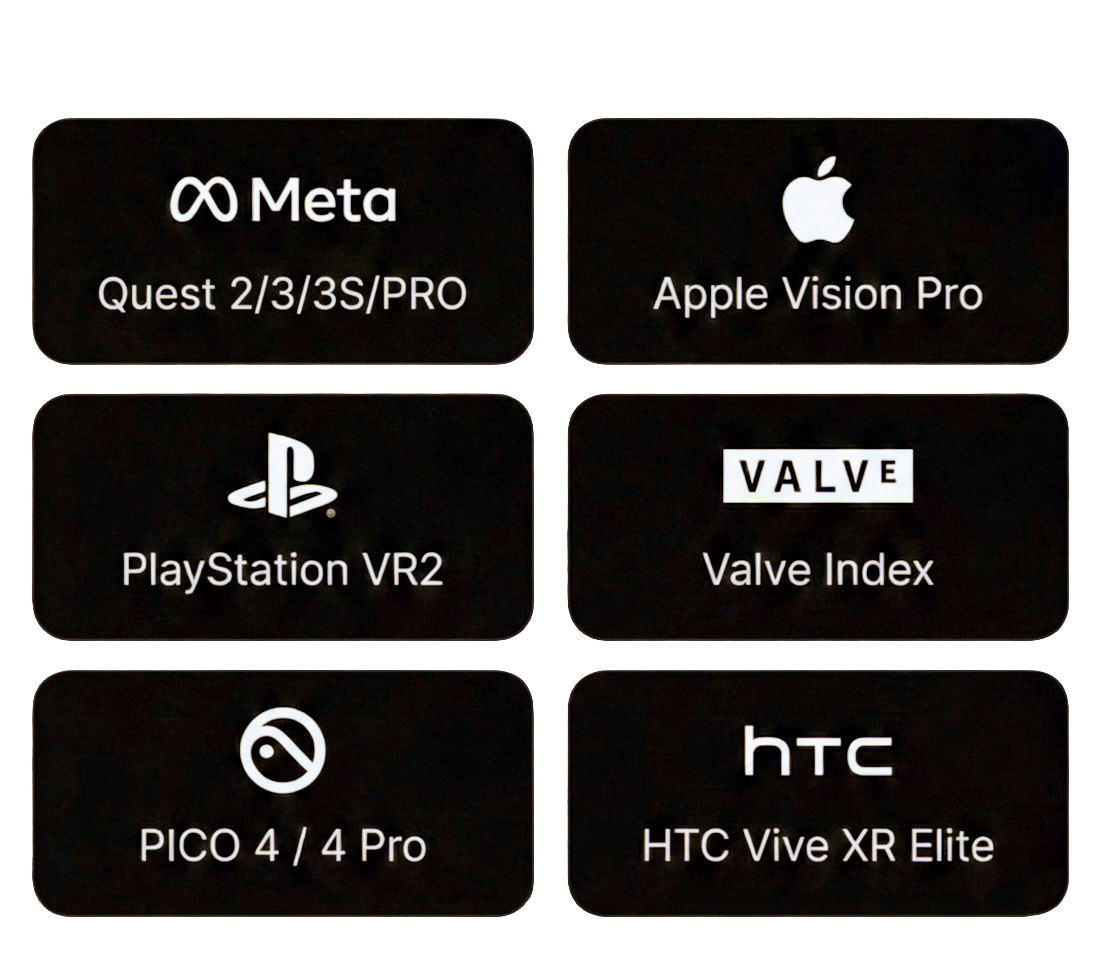
○ Stand-alone Headsets (Recommended): Devices like the Meta Quest 3 or Pico offer the best experience. They are all-in-one and don't require a PC or phone.
○ PC VR Headsets: Requires a powerful computer and a tethered headset. This is generally for advanced users or high-fidelity applications.
2. Setting Up Your Headset
If you have a dedicated headset, follow these general steps:
1. Charge and Power On: Ensure your headset is fully charged and powered on.
2. Adjust the Fit: Use the straps and dials to secure the headset comfortably on your head. It should be snug, but not too tight.
3. Adjust IPD (Interpupillary Distance): Many headsets have a dial to adjust the distance between the lenses to match the distance between your pupils. Adjust this until the image looks clearest and most comfortable.
4. Connect to Wi-Fi: Ensure your headset is connected to a stable Wi-Fi network to stream videos.
3. Finding and Playing Videos
Once set up, the next steps are all about finding the right content:
1. Open a VR Video App: Launch the app you'll use to watch videos
2. Search for VRBANANAS.COM
3. Select a Video: Choose a video and load it. For Best Quality download 8K video file to your VR headset.
4. Check for 3D Mode: The video player should automatically detect that it's a 3D video. If the video appears flat or doubled, look for a "3D" or "Stereoscopic" button in the player controls and select it.
5. Look Around! Since it's 180-degree video, you can turn your head left, right, up, and down to explore the recorded scene. The 3D effect will be most noticeable on objects within the foreground.
Pro-Tips for the Best Experience
● Clear Some Space: Although you don't need to physically move much, it’s best to sit in a swivel chair or stand in a clear space to comfortably turn your head and shoulders.
● Good Lighting: While not strictly necessary for the video, clear the area around you to prevent bumping into things if you stand up.
● Headphones: Use quality headphones for a truly immersive experience. Directional audio can make you feel like sounds are coming from specific places in the virtual environment.
● Take Breaks: VR is intense! If you feel any discomfort or eye strain, take a break.
VR 180 3D videos offer an immersive viewing experience that captures a 180-degree field of view in stereoscopic 3D, making distant objects look far away and close objects appear right in front of you. Ready to jump in? Here's how to get started.1. What You Need: The Essential Gear
1. You only need two things to start watching VR 180 3D content:
● A VR Headset. This is the most important component for a true 3D experience.
○ Stand-alone Headsets (Recommended): Devices like the Meta Quest 3 or Pico offer the best experience. They are all-in-one and don't require a PC or phone.
○ PC VR Headsets: Requires a powerful computer and a tethered headset. This is generally for advanced users or high-fidelity applications.
2. Setting Up Your Headset
If you have a dedicated headset, follow these general steps:
1. Charge and Power On: Ensure your headset is fully charged and powered on.
2. Adjust the Fit: Use the straps and dials to secure the headset comfortably on your head. It should be snug, but not too tight.
3. Adjust IPD (Interpupillary Distance): Many headsets have a dial to adjust the distance between the lenses to match the distance between your pupils. Adjust this until the image looks clearest and most comfortable.
4. Connect to Wi-Fi: Ensure your headset is connected to a stable Wi-Fi network to stream videos.
3. Finding and Playing Videos
Once set up, the next steps are all about finding the right content:
1. Open a VR Video App: Launch the app you'll use to watch videos
2. Search for VRBANANAS.COM
3. Select a Video: Choose a video and load it. For Best Quality download 8K video file to your VR headset.
4. Check for 3D Mode: The video player should automatically detect that it's a 3D video. If the video appears flat or doubled, look for a "3D" or "Stereoscopic" button in the player controls and select it.
5. Look Around! Since it's 180-degree video, you can turn your head left, right, up, and down to explore the recorded scene. The 3D effect will be most noticeable on objects within the foreground.
Pro-Tips for the Best Experience
● Clear Some Space: Although you don't need to physically move much, it’s best to sit in a swivel chair or stand in a clear space to comfortably turn your head and shoulders.
● Good Lighting: While not strictly necessary for the video, clear the area around you to prevent bumping into things if you stand up.
● Headphones: Use quality headphones for a truly immersive experience. Directional audio can make you feel like sounds are coming from specific places in the virtual environment.
● Take Breaks: VR is intense! If you feel any discomfort or eye strain, take a break.